
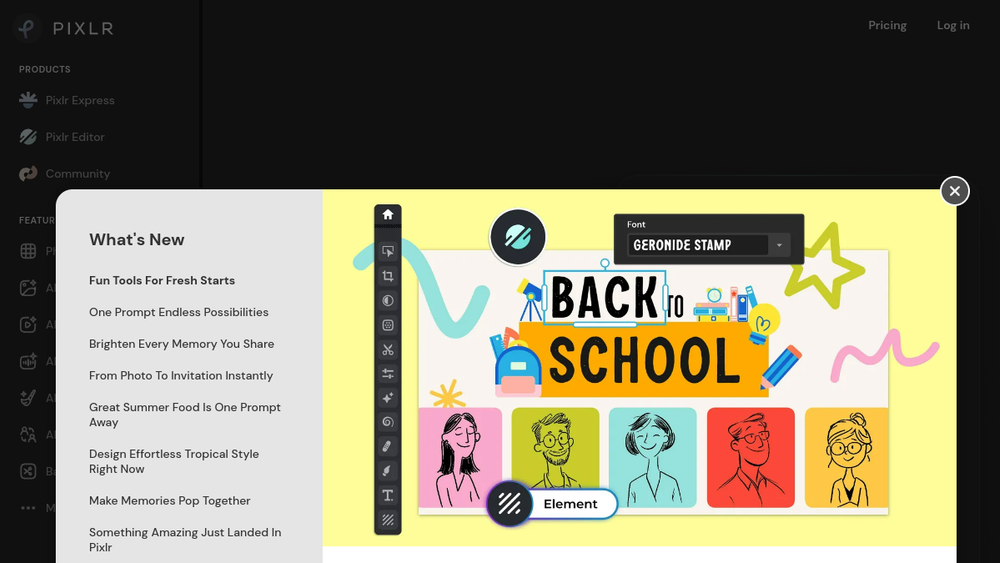
Overview
Pixlr is a versatile, web-based image editing platform that provides a range of tools from simple one-click adjustments to advanced compositing. It is designed for accessibility, requiring no software installation, and caters to a wide spectrum of users, from social media creators to graphic designers.
Key Features
- Pixlr X (Express): A quick and easy editor for fast touch-ups, filters, and graphic creation, ideal for beginners and social media content.
- Pixlr E (Advanced): A feature-rich editor with layers, masking, blending modes, and advanced tools, serving as a powerful free alternative to desktop software like Photoshop.
- AI-Powered Tools: Includes one-click background removal (去背), AI image generation, and smart resize features that automate complex editing tasks.
- Web-Based & Mobile Access: Fully functional in a browser with dedicated apps for iOS and Android, enabling editing on any device.
- Template & Stock Library: Offers thousands of templates for social media posts, flyers, and collages, along with a library of stock images and elements.
Primary Use Cases
- Quick Social Media Graphics: Creating engaging posts, stories, and thumbnails for platforms like Instagram, YouTube, and Facebook.
- Photo Retouching & Enhancement: Removing backgrounds, correcting color, applying filters, and performing object removal for product or portrait photos.
- Digital Art & Design: Compositing images, designing logos, and creating complex illustrations using professional-grade tools without cost.
- Educational & Professional Projects: Providing accessible editing capabilities for students, educators, and professionals without access to expensive software licenses.