

Caffeine
Caffeine is a simple, lightweight system utility developed by Zhorn Software for Windows. Its primary function is to prevent a computer from automatically going to sleep, activating the screensaver, or locking the screen.
Core Mechanism
The application works by simulating a keyboard press (by default, the F15 key) every 59 seconds. This makes the operating system believe the user is still active at the keyboard, thereby overriding the system's power management settings.
Key Features and Operation
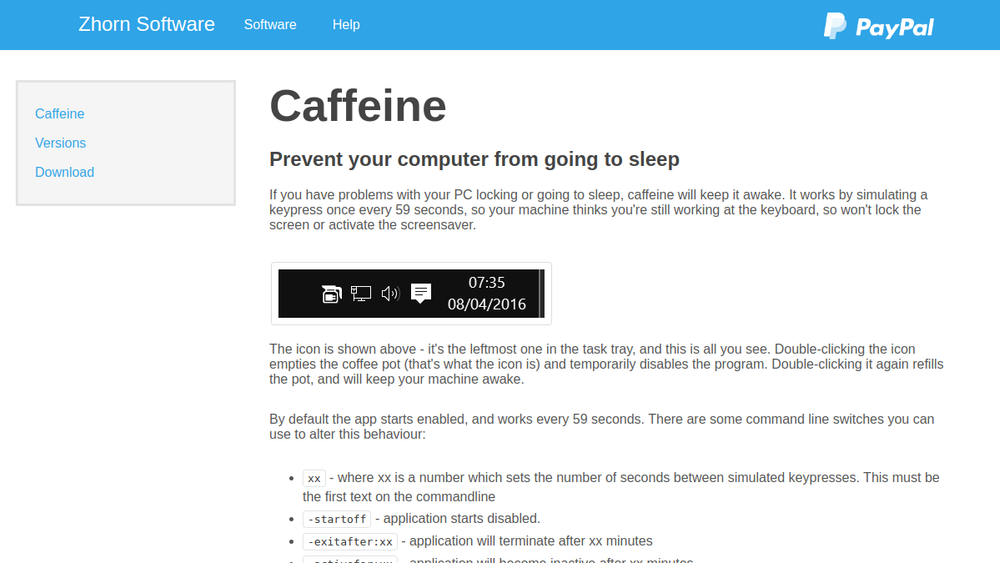
- System Tray Operation: Caffeine runs silently in the Windows system tray. A single icon (a coffee pot) indicates its status.
- Simple Toggle Control: Double-clicking the tray icon toggles the program on or off. An empty coffee pot means Caffeine is disabled; a full pot means it is active.
- Highly Configurable Command Line: The tool offers extensive command-line switches for advanced control, including:
- Setting the interval between keypresses.
- Starting in an inactive state (
-startoff). - Automating active/inactive periods (
-activeperiods,-inactivefor). - Changing the simulated key (
-useshift,-key:xx). - Using the Windows API method (
-stes) instead of simulating keys. - Conditionally activating based on power state (
-onac) or CPU usage (-cpu:xx).
Use Cases
Caffeine is ideal for users who need to keep their computer awake for extended periods, such as during:
- Large file downloads or uploads.
- Long-running data processing tasks or system updates.
- Presentations or media playback where screen locking is undesirable.
- Preventing the screen from turning off while monitoring logs or dashboards.