
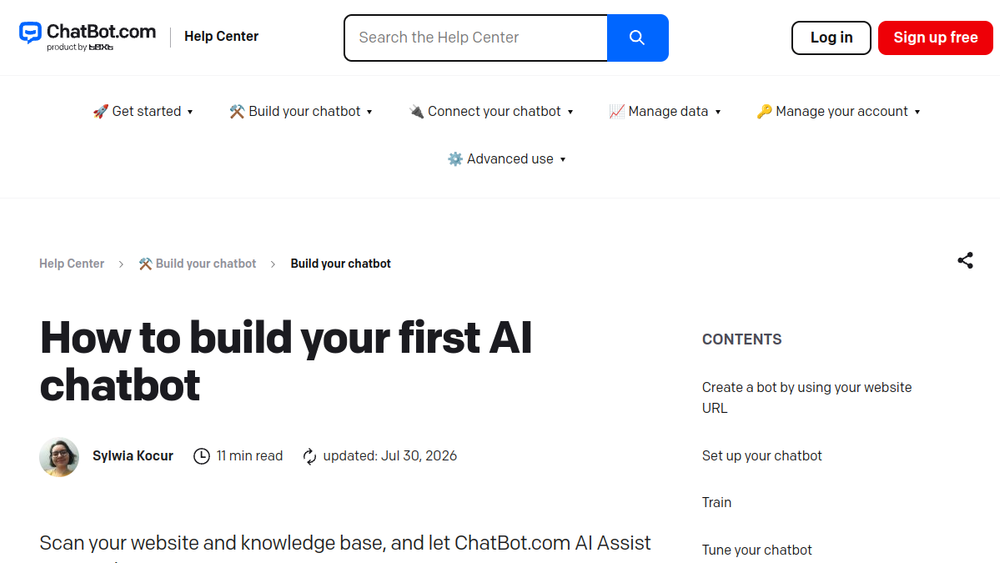
This is a detailed, step-by-step guide from the ChatBot.com Help Center that walks you through creating your first AI-powered chatbot. The tutorial focuses on using the platform's AI Assist feature, which trains the chatbot by scanning a website URL, a KnowledgeBase, or a Zendesk help center to automatically answer common user questions.
Key Features & Process Covered:
- AI-Powered Training: Scan your website or help center content to build the chatbot's knowledge base automatically.
- Visual Bot Builder: Tune the chatbot by customizing welcome messages, selecting auto-generated skills, and editing collected attributes.
- Integrated Testing Tool: Test the chatbot within the platform, using a debug mode and conversation tree visualization to ensure it works correctly.
- Chat Widget Customization: Fully configure the appearance, behavior, and greetings of the chat widget that will be installed on your website.
- Performance Monitoring: Use the Training section to review unmatched queries and improve the AI's answers over time.
Primary Use Cases:
- Customer Support Automation: Handle frequent questions and common issues instantly on your website.
- Lead Generation & Sales: Engage visitors and guide them through product information or sales funnels.
- Internal Knowledge Base: Create a bot for employees to quickly find answers from company documentation.
- eCommerce Assistance: Provide instant support for product queries, order status, and FAQs.
This resource is ideal for business owners, marketers, and support teams looking for a no-code, AI-driven solution to deploy a chatbot quickly without needing programming skills.